Ad networks bid better when they know which clicks made money. For a lead business, "made money" happens after the form: a buyer accepts the lead, or a CRM marks it sold days later. A browser pixel never sees that moment. A server does.
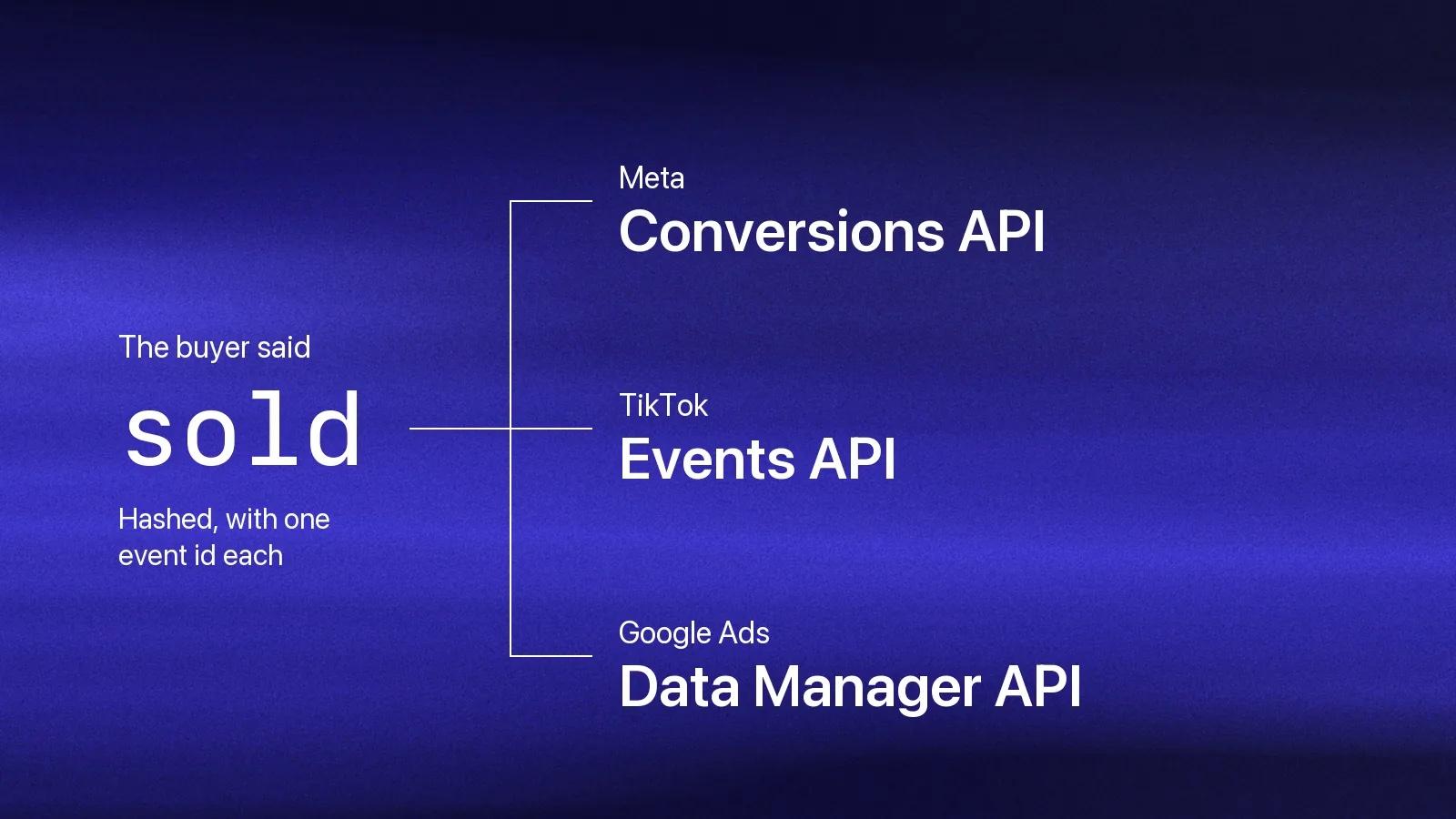
In EventsIQ every sale can be sent back to the network that paid for the click. This post covers the three big ones, Meta, TikTok and Google, and the rules they share.
The shared shape
Every conversion API wants roughly the same five things:
- What happened. An event name, like
Purchase,CompletePaymentor a Google conversion action. - When. The time of the event.
- Who. Ids that let the network match the person: its own click id, plus hashed email and phone.
- How much. The sale value and currency.
- A unique id for this event, so a retry or a second sender does not count twice.
The differences are in the details, so here they are network by network.
Meta Conversions API
Send events to the pixel through the Graph API. The parts that matter:
event_name,event_timeandevent_id.action_source. For a sale reported by a server or a CRM,system_generatedis honest. Only claimwebsitewhen you can also send the page URL and the visitor's user agent, because Meta expects both with it.user_data: hashedem(email) andph(phone), plusfbcandfbpunhashed.external_id: your own id for the person, hashed.
Two traps here:
external_id must repeat. Its whole job is to join several events about the same person. A value that is new for every event (like a fresh lead id each time) passes validation and does nothing. Use a visitor cookie where you have one, and a stable per-lead id where you do not.
fbc is not fbclid. Meta wants the cookie format fb.1.<click time>.<fbclid>. Prefer the real _fbc cookie from the browser, because the time inside it is when Meta saw the click.
For instant form leads there is no browser and no fbc. Instead you send Meta's own leadgen id with the lead's stage, which is how Meta's CRM integration learns which lead forms bring buyers.
TikTok Events API
TikTok's Events API looks similar, with its own names:
- Events like
SubmitForm(lead captured),Contact(lead qualified) andCompletePayment(lead sold, with a value). event_sourcesays whether it is a web event (tied to a pixel) or a CRM event.- Email and phone are hashed.
ttclid, the_ttpcookie and TikTok'slead_idare sent raw. Hashing them by mistake is an easy way to get zero matches.
One more TikTok gotcha: for web events, event_source_id is the pixel code (the letters and numbers you see in Events Manager), not a numeric id.
Google Ads through the Data Manager API
Google's newer Data Manager API takes conversions at events:ingest. Each event names its destination (the Google Ads account and the conversion action), and can carry:
adIdentifiers:gclid, andgbraidorwbraidfor iOS traffic.userData: hashed email, phone and names (enhanced conversions for leads).conversionValueandcurrency.transactionId: the dedup key.
The older upload made you choose between a click id and hashed contact details. Now one event can carry both, so a lead with a gclid and an email sends both, and Google matches on whichever it can.
Remember the rules from the click id post: send gclid and gbraid together when you have both, never gbraid and wbraid together, and only add custom variables to an event that carries just a gclid.
Hashing: normalise first, then SHA-256
Every network asks for SHA-256 hashes of personal data, sent as hex. The hash only matches if both sides normalise the value the same way first. Here is the core of it:
import { createHash } from "crypto";

// Trim, lowercase, then SHA-256 hex.
export function hashPii(value?: string) {
  const normalised = value?.trim().toLowerCase();
  if (!normalised) return undefined;
  return createHash("sha256").update(normalised).digest("hex");
}

// "+1 (555) 123-4567" and "15551234567" must give the same hash.
export function hashPhone(value?: string) {
  const digits = value?.replace(/\D+/g, "");
  return digits ? hashPii(digits) : undefined;
}
Watch the per-network differences. Microsoft wants the phone in E.164 (with the + and country code) before hashing. Google wants hashed first and last names as separate fields. If a phone number cannot be normalised with confidence, leave it out: sending a wrong hash is worse than sending none.
Only hashes should ever leave the function that builds the payload. Raw email and phone stay on your server.
Deduplication with event IDs
The same sale can reach a network twice: a retry after a timeout, a postback that fires twice, or the browser pixel and the server both reporting a lead. Each network has a key for this:
- Meta treats two events with the same
event_nameandevent_idas one. If the pixel and the server both send theLeadevent with the same id, Meta keeps one. - TikTok uses
event_idthe same way. - Google drops a second upload with the same
transactionIdto the same conversion action.
In EventsIQ the event id is the lead's public id, or the postback's own event id for later events. Two rules:
- Make it stable. The same sale must always produce the same id, so a retry is a duplicate, not a new sale.
- Never use your database id. A MongoDB ObjectId has its creation time in its first bytes, so sending it would tell the world when each lead was made. Use a separate public id.
Never let one network take down the others
One lead can fan out to several networks at once. Each send should catch its own errors and record the result on the lead, instead of throwing. A Google outage should not stop the Meta event, and a failed send should be visible in the lead's log so it can be retried.
Checklist
- Save the network's click id on the lead when the form is submitted.
- Send the real outcome (sold, with a value), not only "form filled."
- Normalise, then SHA-256, then hex. Click ids and cookies stay raw.
- Use a stable, public event id on every event.
- Keep each network's send separate, and log every result.
That is the whole loop: record the click, keep it with the lead, and send the sale back where the click came from.
Let's Work Together
If you need server-side conversions set up for your product, contact me here: LinkedIn